I designed a men's health trainer that feels completely private.
- Role
- Product designer
- Platform
- iOS · Dark interface
- Subject
- Men's pelvic floor health
- What I did
- Every screen and flow, from onboarding to the trainer and the test, and the design system that holds them together.
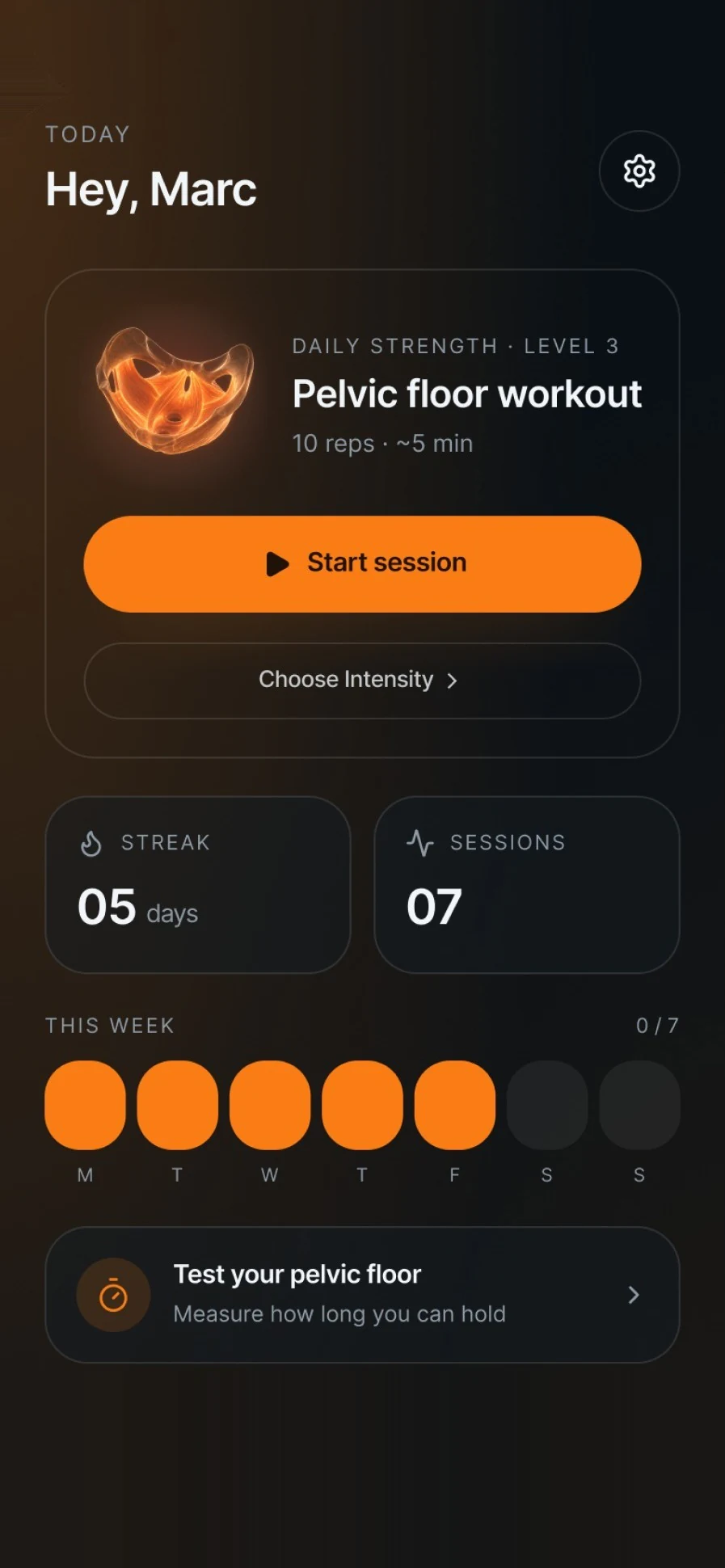
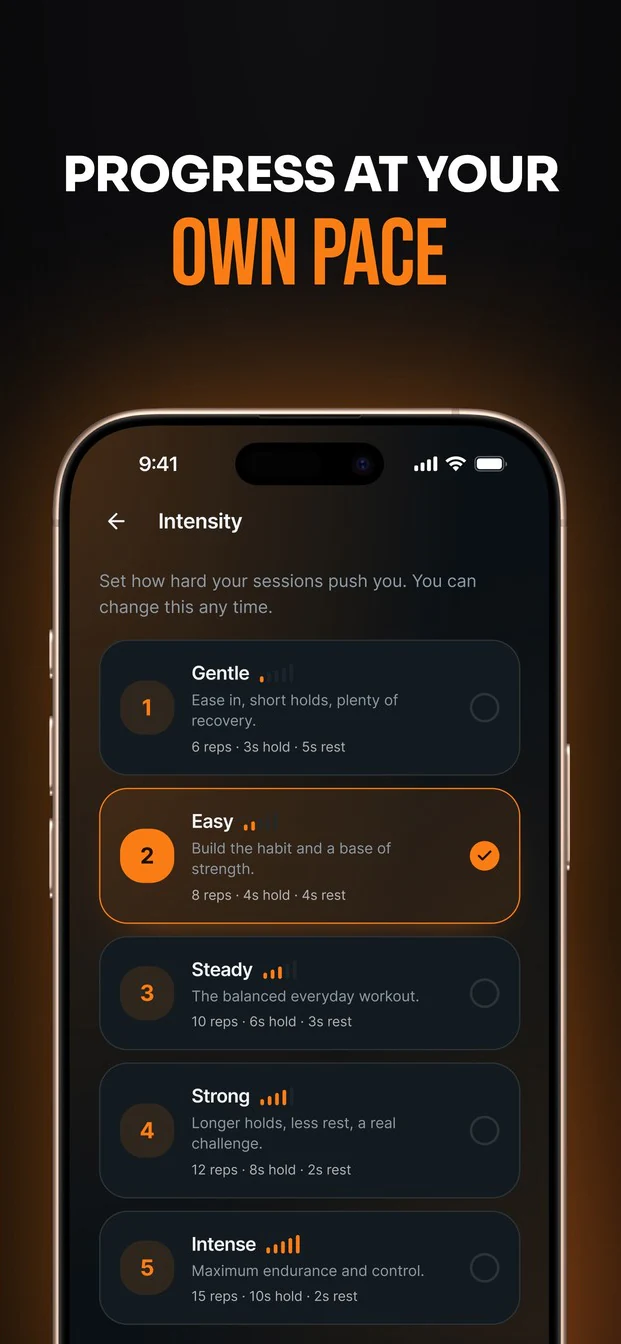
Gentle
Ease in, short holds, plenty ofrecovery.
6 reps · 3s hold · 5s rest
Easy
Build the habit and a base ofstrength.
8 reps · 4s hold · 4s rest

Steady
The balanced everyday workout.
10 reps · 6s hold · 3s rest
 Squeeze &Hold
 Squeeze &Relax
 Quick Flicks
 Endurance
 Voice
Voice Vibrate
 Sound
Sound
Time to train 💪9:41 AM
Your 5-minute session is ready, Marc.🔥 7-day streak9:41 AM
Keep it alive, today takes just 5 minutes.
You're 80% to your weekly goal9:41 AM
One short session left this week.


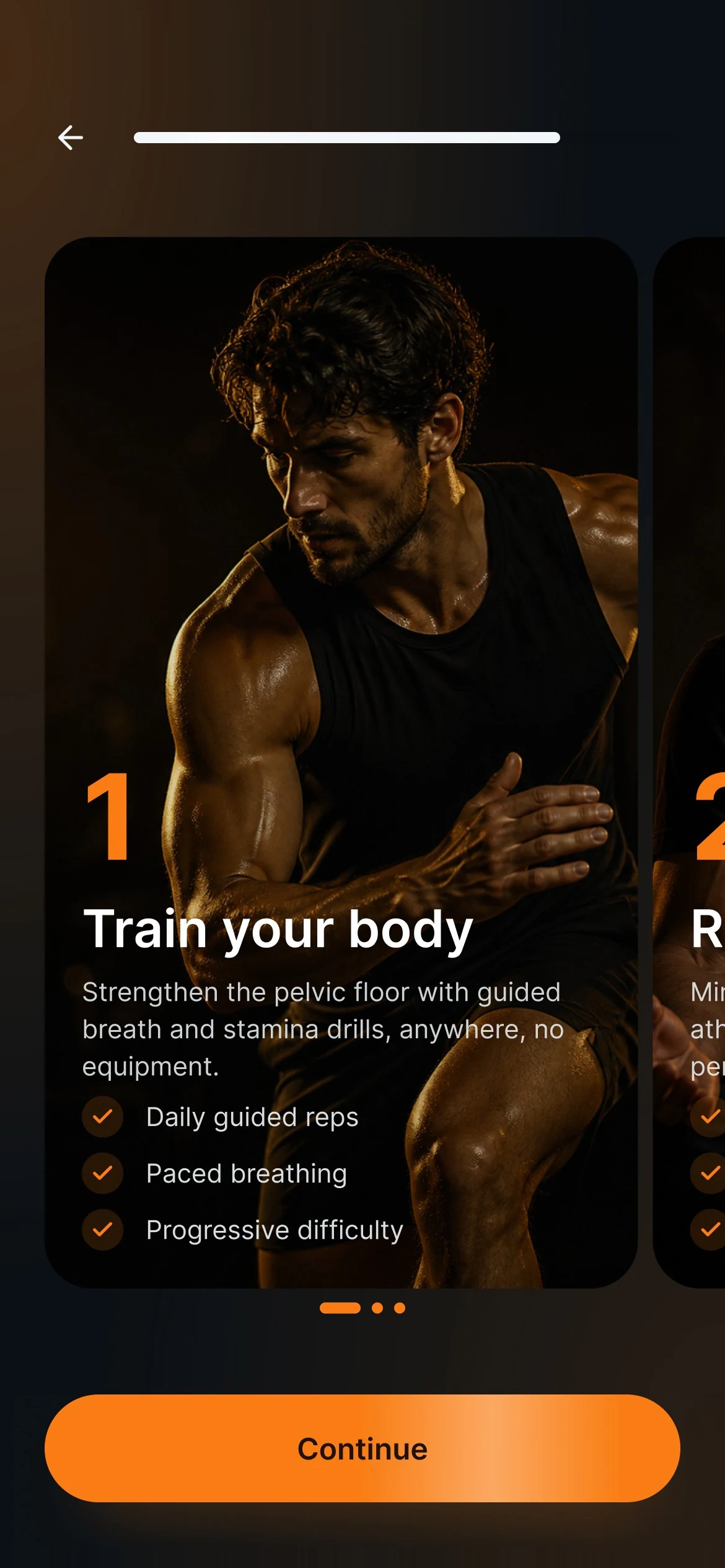
I wanted it to feel private and calm from the very first screen.
The calls I made.
Each decision starts with the principle behind it. The orange tick is what I chose, and you can tap the other option to see what I left out.
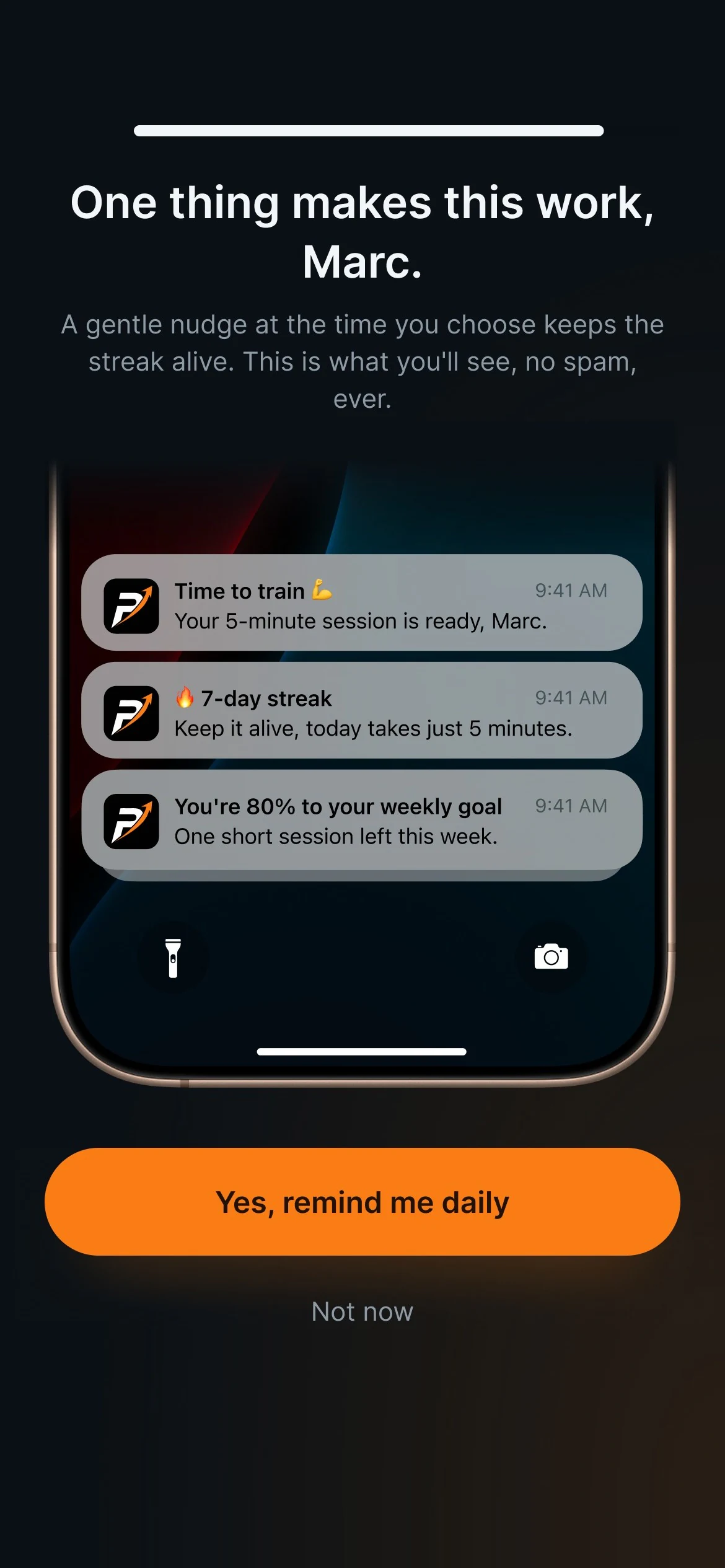
Private by default.
Reminders that say what they're for, or ones that don't?
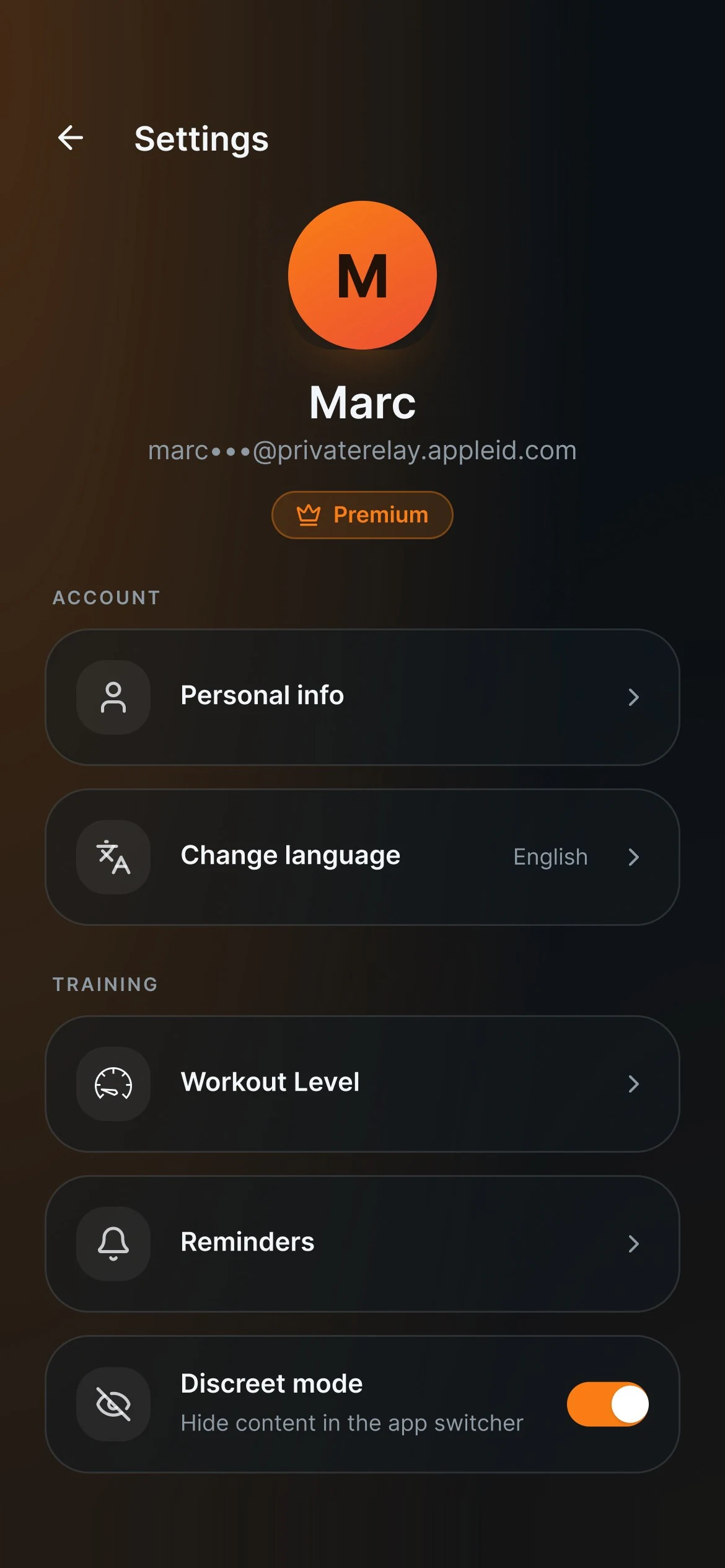
A notification can light up a locked phone in a meeting. So it only ever says “Time to train”, and Discreet mode hides the app's content in the app switcher.
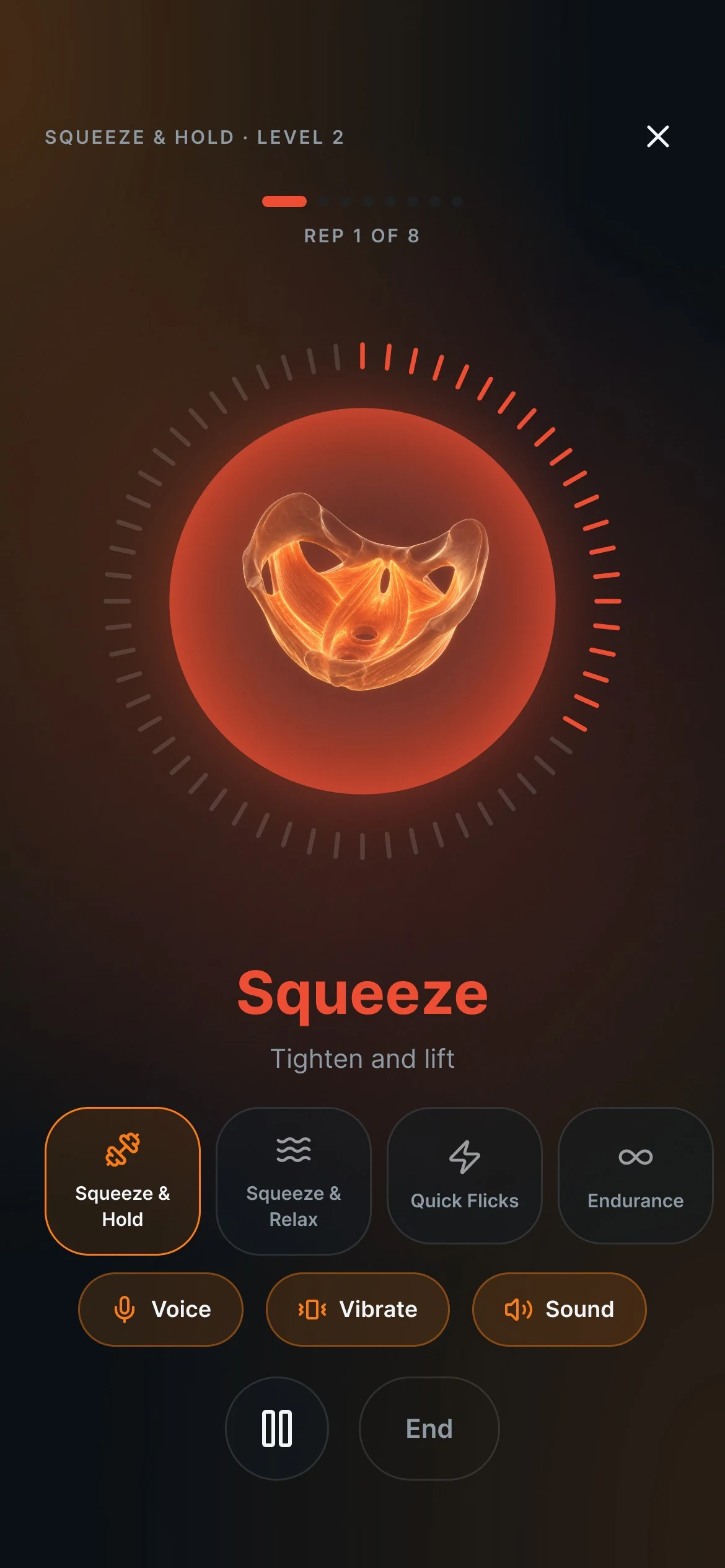
Train with your eyes closed.
A timer to watch, or cues you can feel?
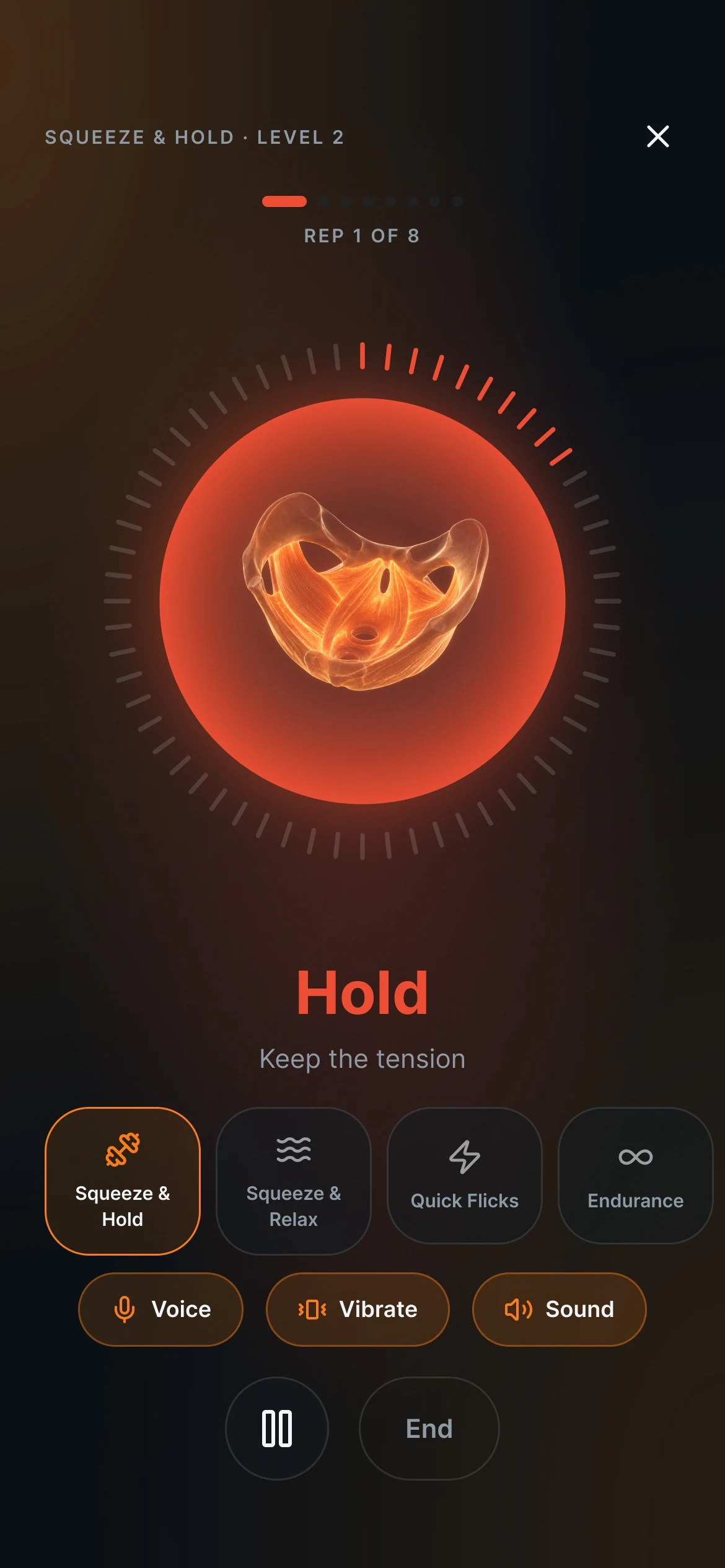
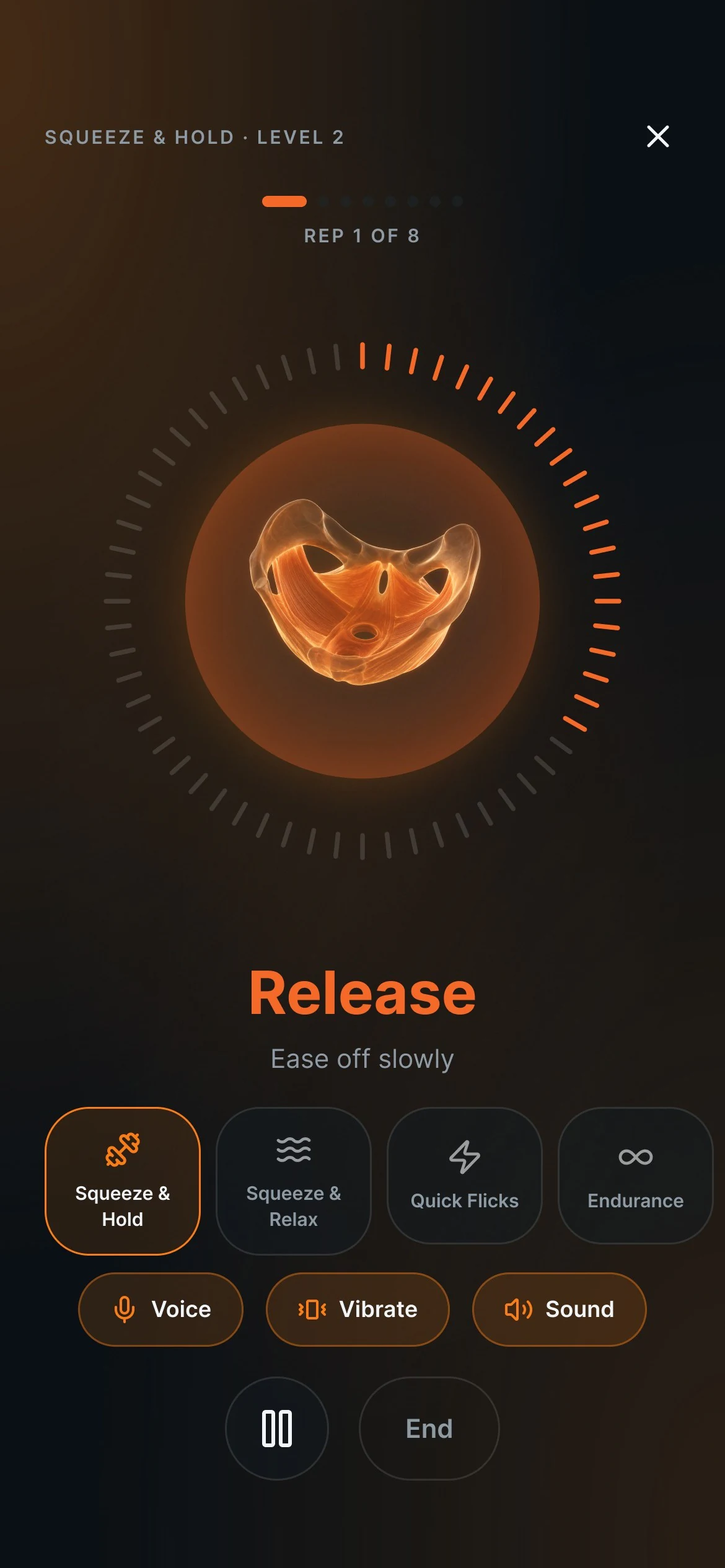
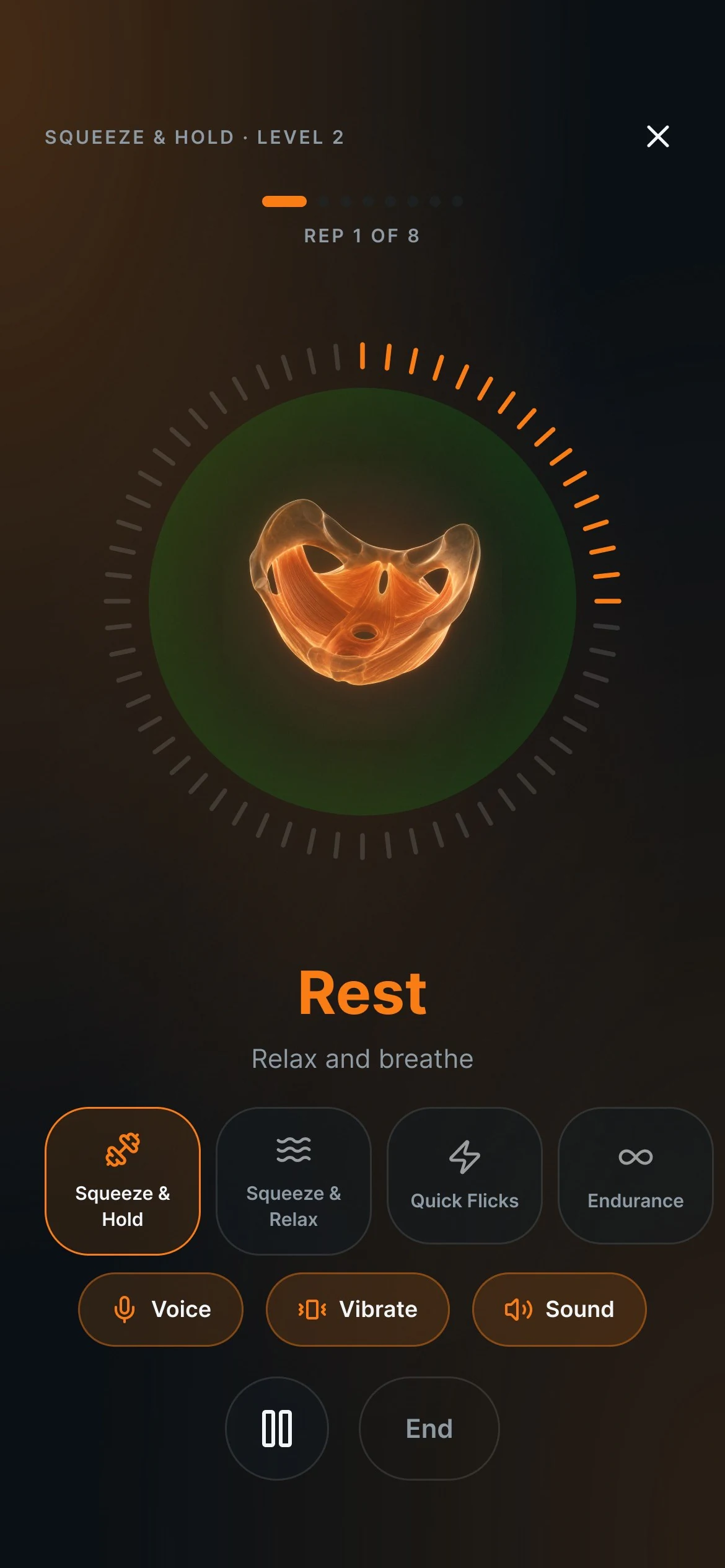
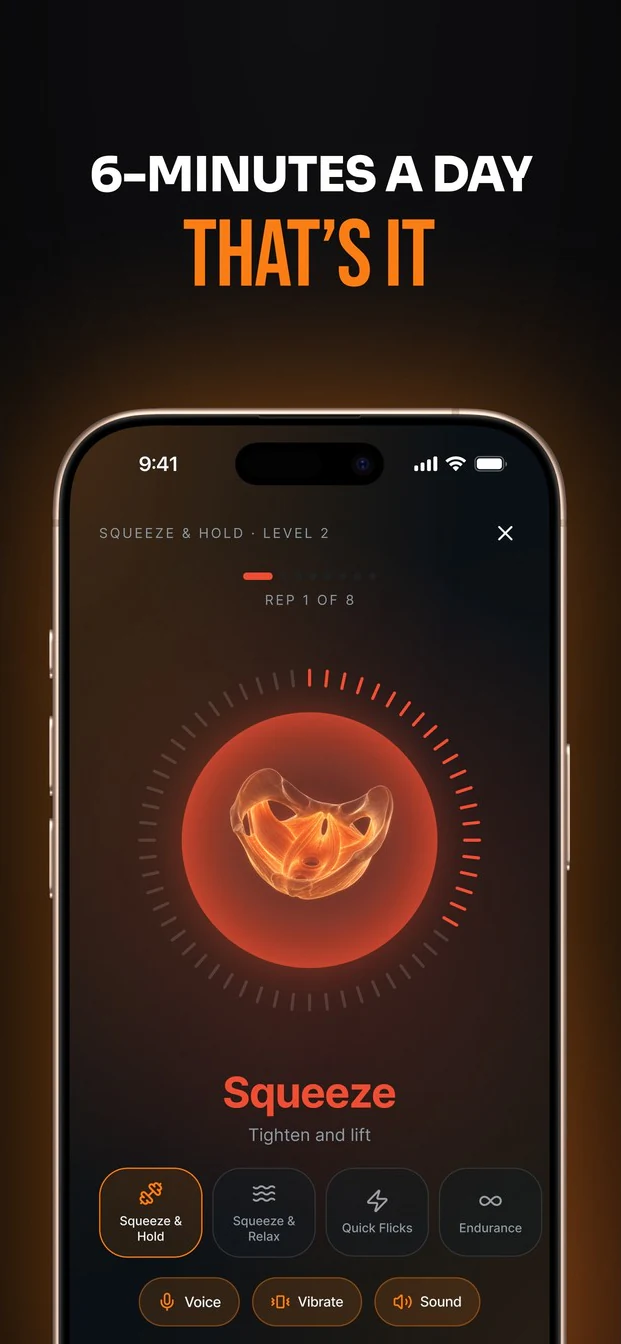
Nobody wants to stare at a phone mid-exercise. Each phase has its own colour, and voice, vibration and sound call it out, so the screen becomes optional.
Progress that listens.
A fixed plan, or one that adapts?
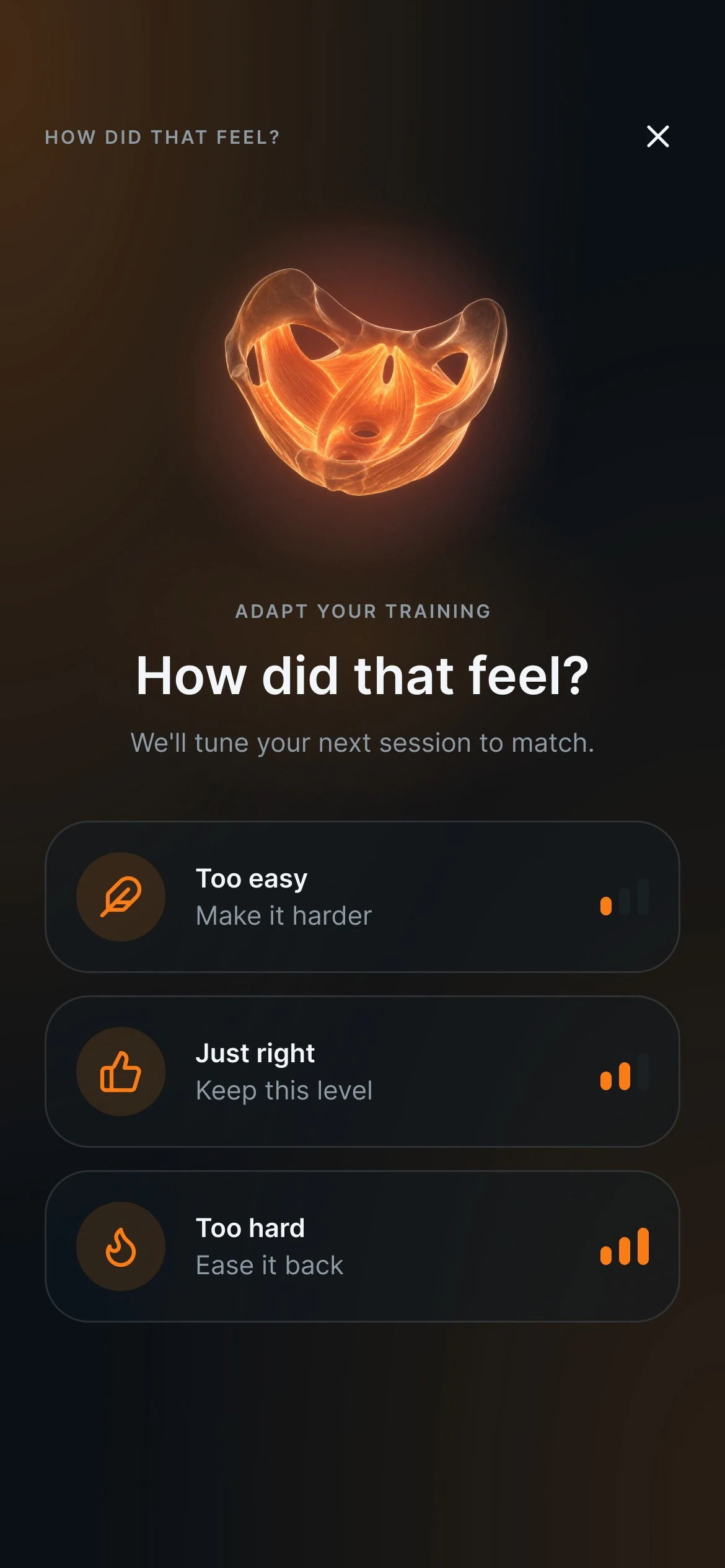
After every session the app asks how it felt. Too easy moves you up a level and too hard eases you back, so the plan keeps pace with your body.
The system I built.
Every screen is made from these. Try the colours and the switch.
The flows I drew.
10 flows, 148 screens. Here are six of them.
Every man gets his own plan.
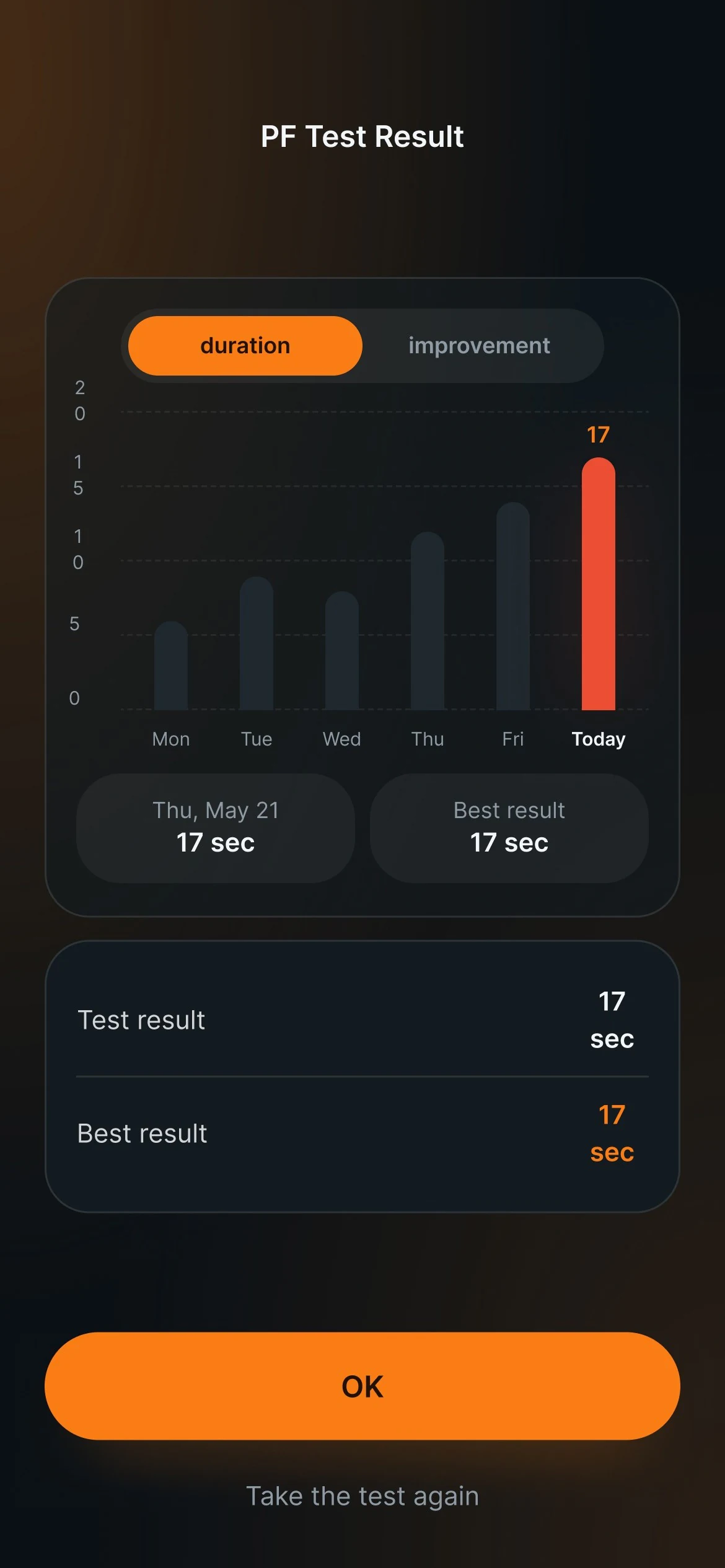
Onboarding ends by telling him who he is, and the plan follows from that. Here are four of the six profiles. Tap one to read it.
One more thing…
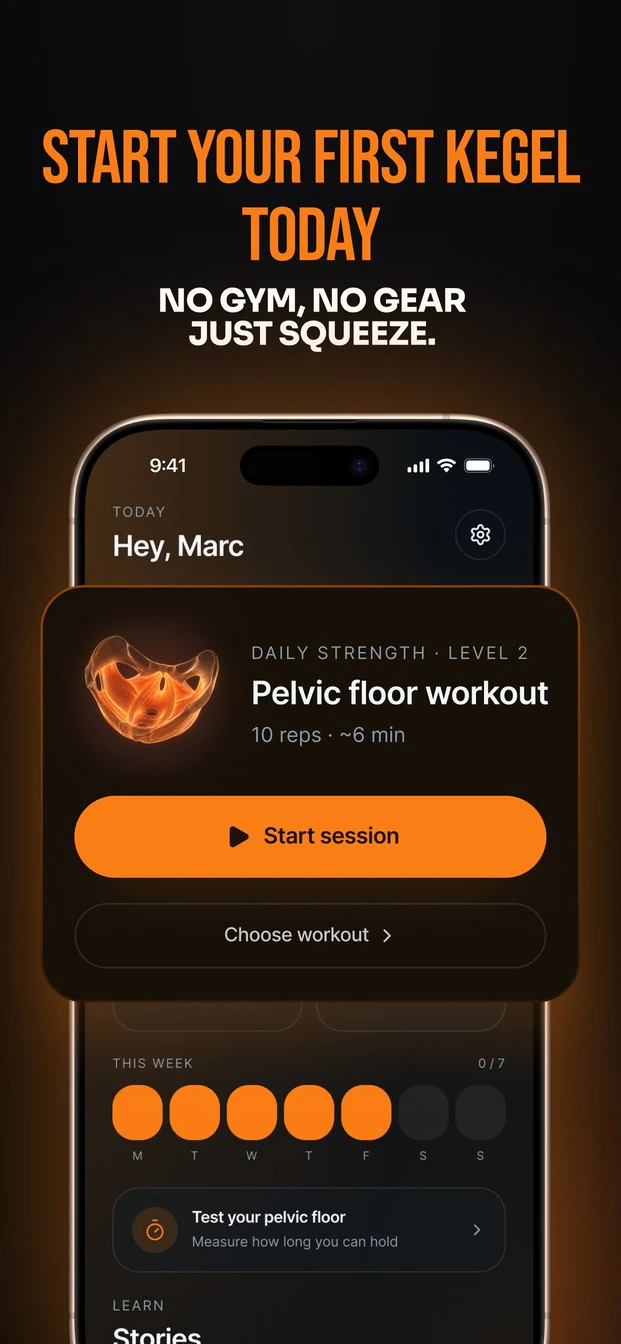
The brand came out of the same file. The icon works in dark and in orange, and the App Store screenshots carry it.
With more time…
- 01Test it privately, with real usersWatch how men use it alone, headphones in, before adding anything new.
- 02Bring the trainer to Apple WatchA haptic tap on the wrist for each phase, so the phone can stay in a pocket.
The Performax file
All 148 screens sit here, next to the brand and the App Store work.
Request the Figma file